


Tesla charging may improve after a wallbox reset


Search products or car models
Popular Cars
You might be interested in


It's quite common for Tesla charging issues to appear serious at first, but they're often resolved with simple resets of the wallbox or by flipping the power switch.
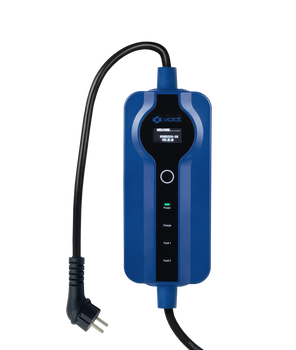
Methodically resetting the charging hardware, such as unplugging and reconnecting the wallbox, restarting it with the power switch, or resetting the software, can resolve temporary charging issues or power errors. It's important to follow this procedure before considering replacing components, as many issues can be resolved with a simple reset. This can also be done methodically if you notice charging inefficiencies.
If the problem persists after the reset, it may be helpful to check:
If you have any doubts or experience recurring problems, it is best to contact Tesla support or a qualified technician for a thorough check, avoiding replacing components without an accurate diagnosis.

